Why do some mechanical watches not jump the calendar at 12 o'clock?

Why do some mechanical watches not jump the calendar at 12 o'clock?
The movement watch does not need to replace the battery. After regular maintenance and oil washing, it can be used safely for a long time. It is larger than a quartz watch. Due to the quality of the manufactured product and the internal structure of the watch, the watch movement is susceptible to the adverse effects of the earth's gravity and causes deviations. Usually quartz watches are calculated in terms of monthly offset seconds, while mechanical watches are calculated in daily offset seconds.
Why do some mechanical watches not jump the calendar at 12 o'clock?
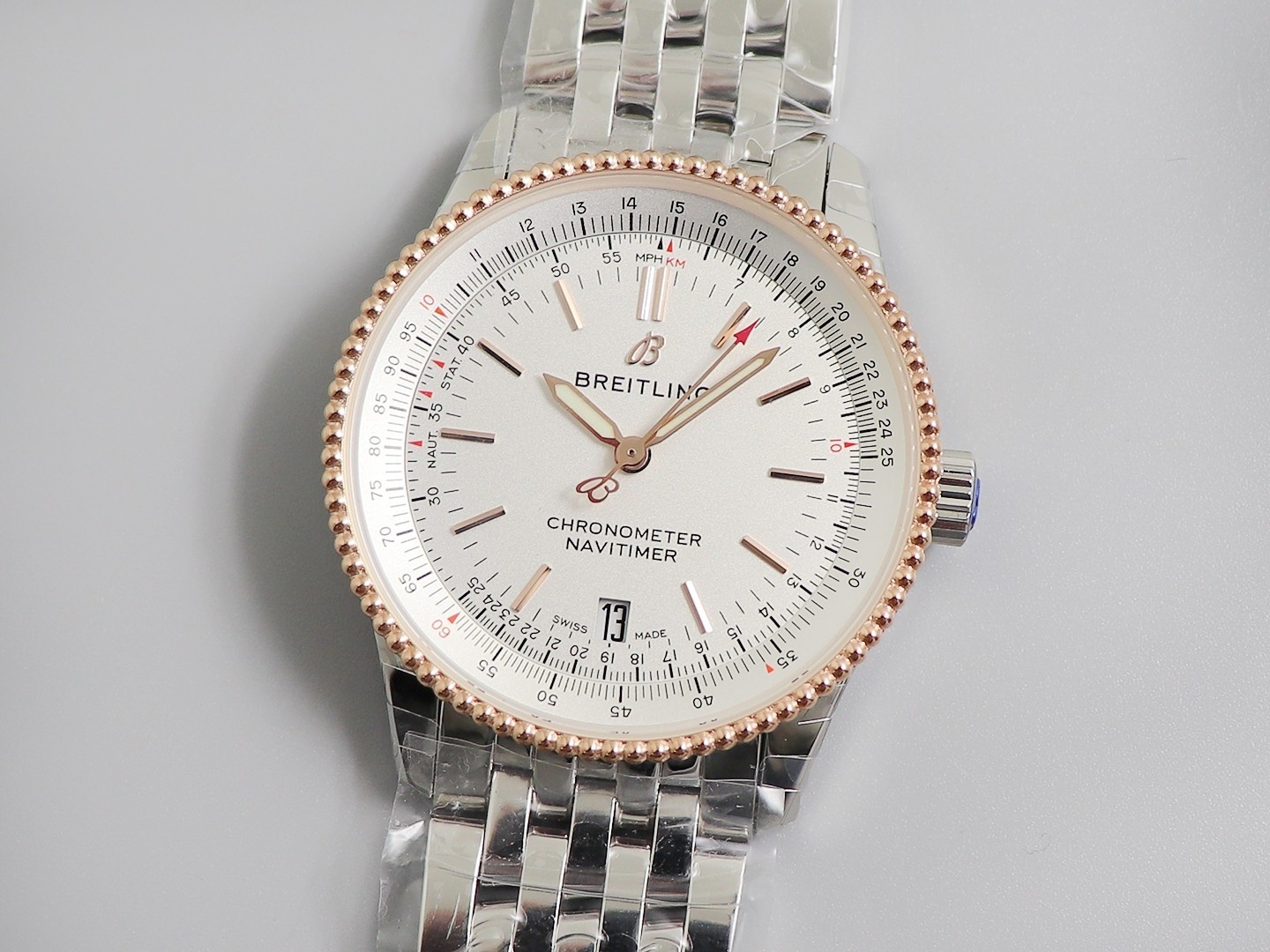
During the operation of a mechanical watch, a certain amount of space is required to ensure normal operation. Therefore, no matter how the mechanical structure design is adjusted, there will always be a gap. The accumulation of gaps between each component will produce a deviation. This deviation is within the allowable range and is a qualified product. If it exceeds the statistical range, it is a non-conforming product. The calendar jump deviation of mechanical watches is basically in line with the standard between -0.5 and +1.0 hours. If it is required that it jumps the calendar on time at twelve o'clock, it is impossible and unnecessary. Of course, as I just mentioned, mechanical structural design is basically biased. It is not impossible that the positive and negative deviations add up to exactly 0. Therefore, it is very possible that a watch will jump at exactly twelve o'clock, but that is not representative. In fact, not only is there a deviation in the jumping calendar, but also there is a deviation in the travel time of the mechanical watch.
Some calendars will jump after two o'clock in the morning. If they don't jump yet, you can adjust them yourself.
1. Pull out the crown of the watch and adjust the first gear to adjust the day of the week and calendar. Pull out the second gear to adjust the time. Pull out the first gear to prepare for adjusting the day of the week and calendar;
2. Take the Laco Luculent mechanical watch as an example. Turn the crown up and down to adjust the day and calendar respectively. If it is Sunday, February 20, you can first adjust the day and calendar to yesterday's Saturday the 19th;
3. Pull the watch handle out to the second gear to adjust the time. Rotate the watch handle clockwise for one or two turns until you can see the hands reaching around twelve o'clock. The day of the week and the calendar will jump to Sunday and the 20th respectively, which means that the watch time has entered 1-12 o'clock in the morning. If it is the morning, just adjust the time;
4. If it is the afternoon, follow the usual method of adjusting the time on a watch. After rotating the pointer once, the watch time will enter 1-12 o'clock in the afternoon. Then adjust it to the current correct time. That's it.
Special note: The period between 9 o'clock at night and 5 o'clock in the morning cannot be adjusted. Since the date change mechanism of the timetable between 9 o'clock at night and 5 o'clock in the morning has already been engaged, adjusting the time at this time will damage the calendar change gear. This period is also called the red line area. In addition, if you want to protect the gear, when adjusting the time of a watch with a calendar, adjust the time as far forward as possible and not backward.